
When joining the group as a member of the Ramblers you also get access to the Ramblers app, exclusive for members. In the app you’ll find:-
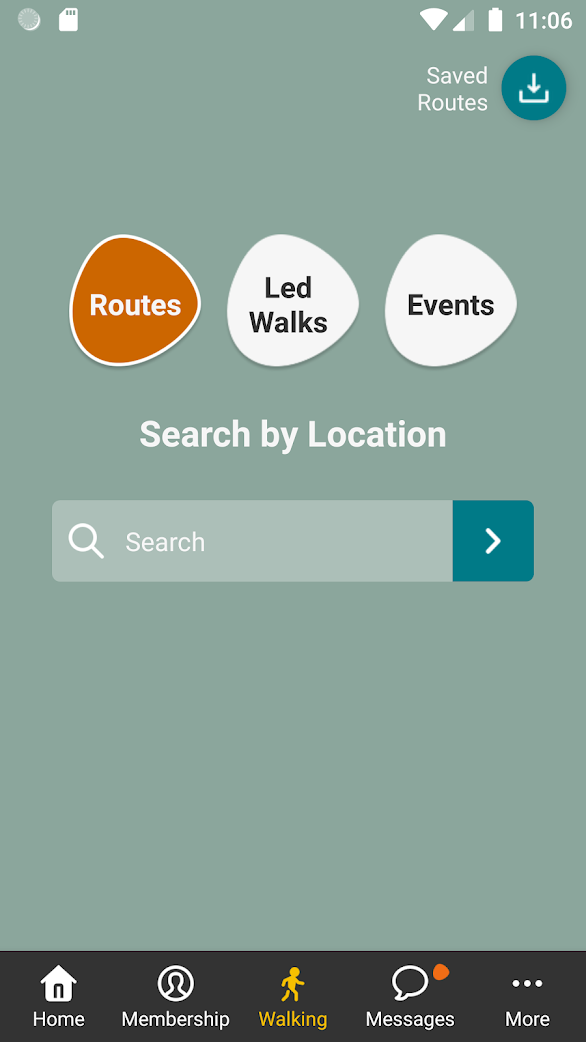
- Summary details of future walks and events for Chiltern Young Walkers and all Ramblers groups across the country
- Digital membership card with QR code - the easy way for us to add you to the register on one of our walks
- Help the leader take the walk attendance register on one of our walks
- 3,000 walking routes for members to explore on their own or with friends and family
- Access to your latest member offers and news
- Great walking features including the latest gear reviews
Follow our step-by-step guide to downloading your free Ramblers app
- Have your membership card handy or know your membership number.
- Download the App

or search for the ‘Ramblers’ app in your app store and install.
- Go to “Sign In” and then “Log In” and type your email and Ramblers password, these are the same details as you use to login to ‘My account’ on the Ramblers Website. If you haven't logged into the Ramblers Website, go to the Signup tab and enter your email address, surname, membership number and choose a password.
- Explore and enjoy!
If the list of led walks you see in the app are not for Chiltern Young Walkers, you'll need to change your home group. Plese follow the instructions at the bottom of the Becoming a Member page.